

Find hidden charge. Cancel what you don't want.
Subtracker reads recurring payments from the source you allow, an ongoing connection, one exported file, or a single receipt, then takes the cancellation off your hands.
Take the quiz →or get the app


Nothing is scanned until you pick a method and confirm it
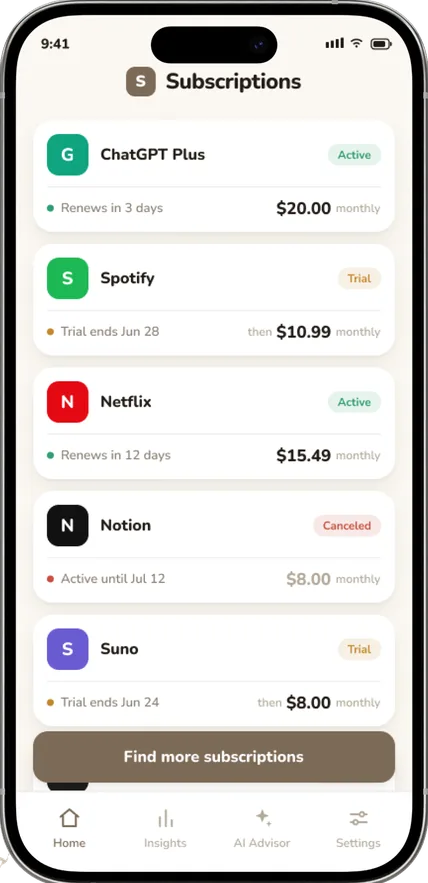
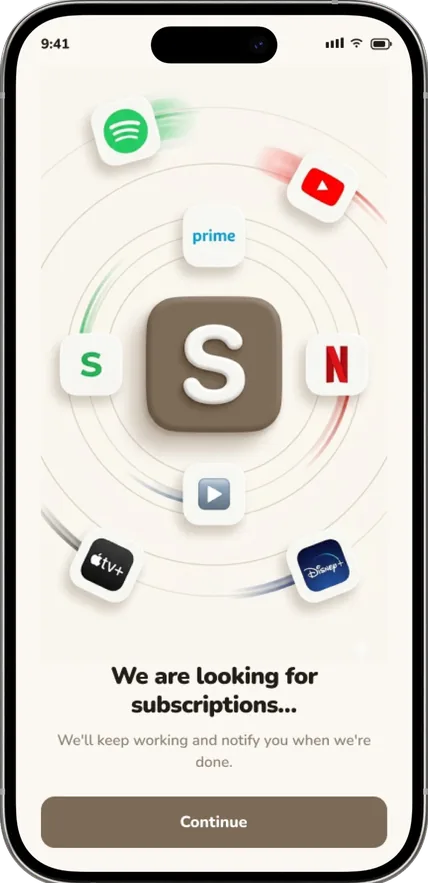
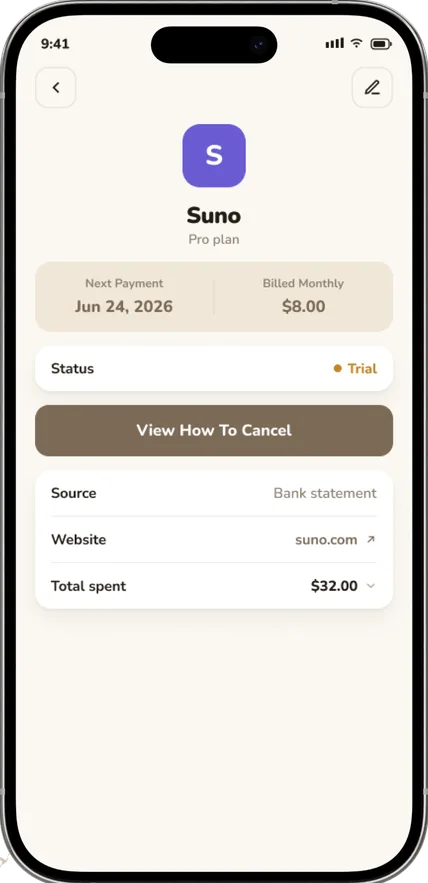
Every cancellation has a status you can see
A request moves through five states. You are notified at each change, and you can withdraw it at any point, the subscription simply stays active.
- RequestYou pick the subscription and confirm you want it cancelled.
- DetailsWe ask only for what that provider needs: plan, account, last charge.
- SolutionThe app runs the cancellation route for that provider and path.
- VerifiedThe result is checked against your statement or the provider’s reply.
- CancelledThe status turns final once the provider confirms the charge has stopped.
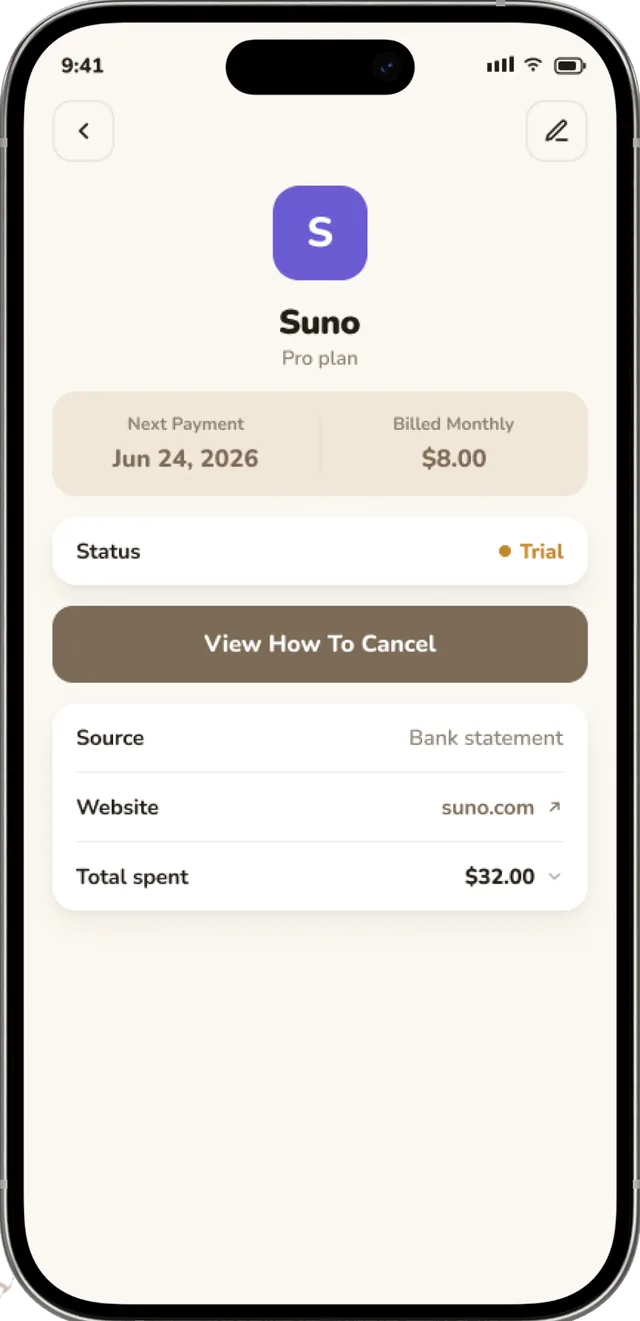
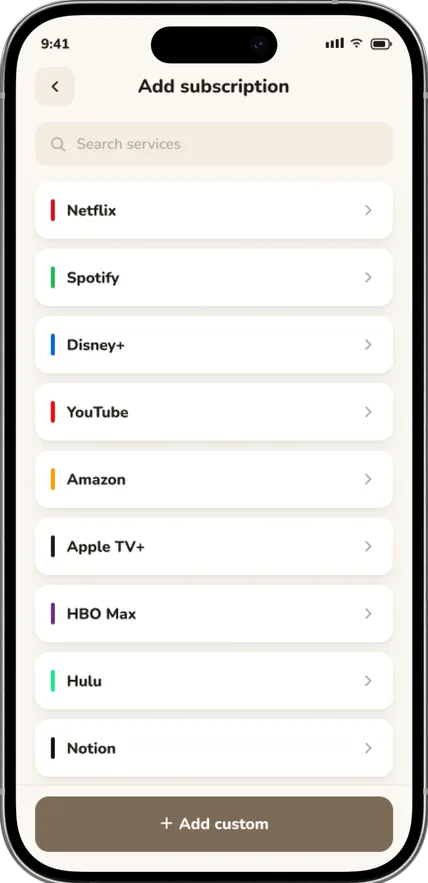
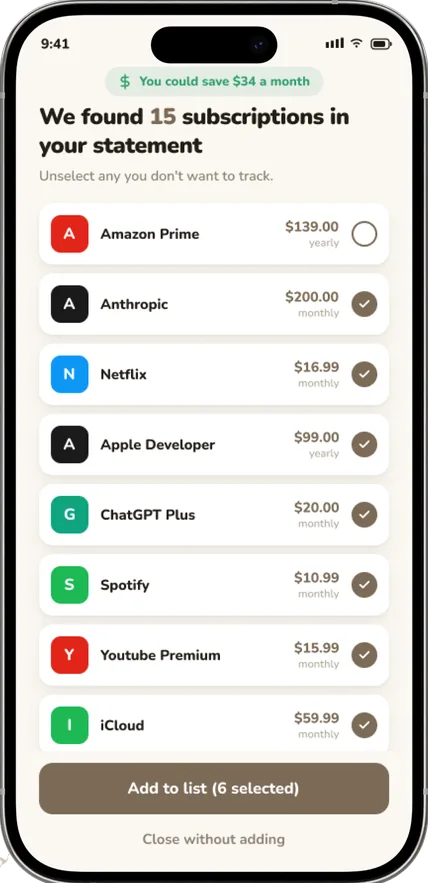
Add one in seconds, review the rest
Type the name and the app fills in the logo, the colour and the category. Everything we found from your chosen source arrives as a review list, so you confirm what is real before it is tracked.
- Trials show the date they convert and the price that starts then.
- Duplicate and one-off charges are separated out before anything is tracked.
- A statement covering six months finds the most subscriptions.
- Any ongoing connection can be revoked without losing your list.
Feedback
Clearly a more modern option than the other apps doing the same job. Eye-catching, and still simple enough to use daily.
Exactly what I was looking for to organise my subscriptions. Other apps had a pile of things I did not need. Love the clean list and the automatic currency conversion.
Useful app, and the lifetime licence is affordable. Clean and focused, a gem among modern apps.
Totally worth it. Everything in one place, and the review list made three charges obvious that I had forgotten about.
It shows clearly how much I spend on subscriptions. Support replied within hours and the cancellation went through the same day.
The first app I have seen where a cancellation has a status I can actually follow.
Fantastic tool for keeping track of everything. Minimal, native-feeling and it just works.
Very nice, easy to use, minimalistic. I uploaded one statement and had the whole list in a minute.
FAQ
What is Subtracker?
Subtracker is a subscription management app that helps you find recurring charges, keep your subscriptions organized and understand how much you spend on them. You review details, renewal dates and costs in one place, then decide what to keep or cancel.
How does Subtracker find my subscriptions?
Nine routes across four access levels: a bank connection through Plaid, an email connection, a statement or spreadsheet you upload yourself, a single invoice, a screenshot or a forwarded email, or plain manual entry. You choose which to use. For better detection, an uploaded statement should usually cover at least six months.
Can Subtracker cancel subscriptions for me?
Subtracker provides cancellation instructions and, for eligible services, may help prepare or submit a cancellation request with your approval. Options depend on the provider, billing method, country and any verification required. Cancellation is not complete until the provider confirms it.
Does Subtracker need access to my bank account or email?
No. You can use the manual options without connecting anything. If you do connect a supported bank account, scan subscription emails or upload a statement, Subtracker only uses the information needed to identify and organize subscriptions, as described in our Privacy Policy.
How do I log in to Subtracker?
Subtracker uses a one-time verification code instead of a password. Open the log-in page, enter the email address associated with your purchase, then enter the six-digit code sent to your inbox. If you purchased on our website, use the same email you entered at checkout.
I did not receive my login code. What should I do?
Check that the address is correct and look in spam, junk and promotions. Allow a few minutes, then request a new code. If you previously unsubscribed from our emails or blocked the sender, verification emails may not reach you, contact support so we can restore essential account emails.
How much does Subtracker cost?
Subtracker offers plans with different billing periods and, in some cases, introductory offers. The exact price, billing period and renewal terms are shown at checkout before you confirm and are included in your confirmation email. Unless stated otherwise, subscriptions renew automatically until canceled.
How do I cancel a subscription purchased on the Subtracker website?
Open Settings, select Subscription and choose Cancel Subscription, then complete the short flow and wait for the status to update, this may take about a minute. You can also ask support to cancel the web subscription for you, writing from the email used for the purchase.
What is the Subtracker refund policy?
For subscriptions purchased directly on the Subtracker website you can request a full refund of the initial payment within 14 days of purchase, contact support from the email address on the subscription. Purchases made through the App Store or Google Play follow the store’s own refund process.
I do not recognize a Subtracker charge. What should I do?
First check whether you or someone authorized to use your card subscribed via our website, the App Store or Google Play, and search your inboxes for a confirmation email. If you still cannot identify it, contact support with the charge date and time, amount and currency, full statement descriptor, transaction ID if available, the last four digits of the card and any email addresses that may have been used.
Contact us
We’re here to help. After you submit your request, our team carefully reviews it to provide you with the best possible assistance.
Please allow up to 48 hours for a response.
Available on iPhone and Android. Log in with a one-time code, no password to remember. A refund of the initial web payment within 14 days of purchase.
Take the quiz →or get the app